A standing desk only earns its keep when the surface sits at the right height. Get it wrong by five centimetres and you will spend the afternoon leaning on one hip, shrugging your shoulders towards your ears, or pressing your wrists awkwardly against the desk edge. Get it right and standing work feels almost effortless — you stop noticing the desk and get on with the job.
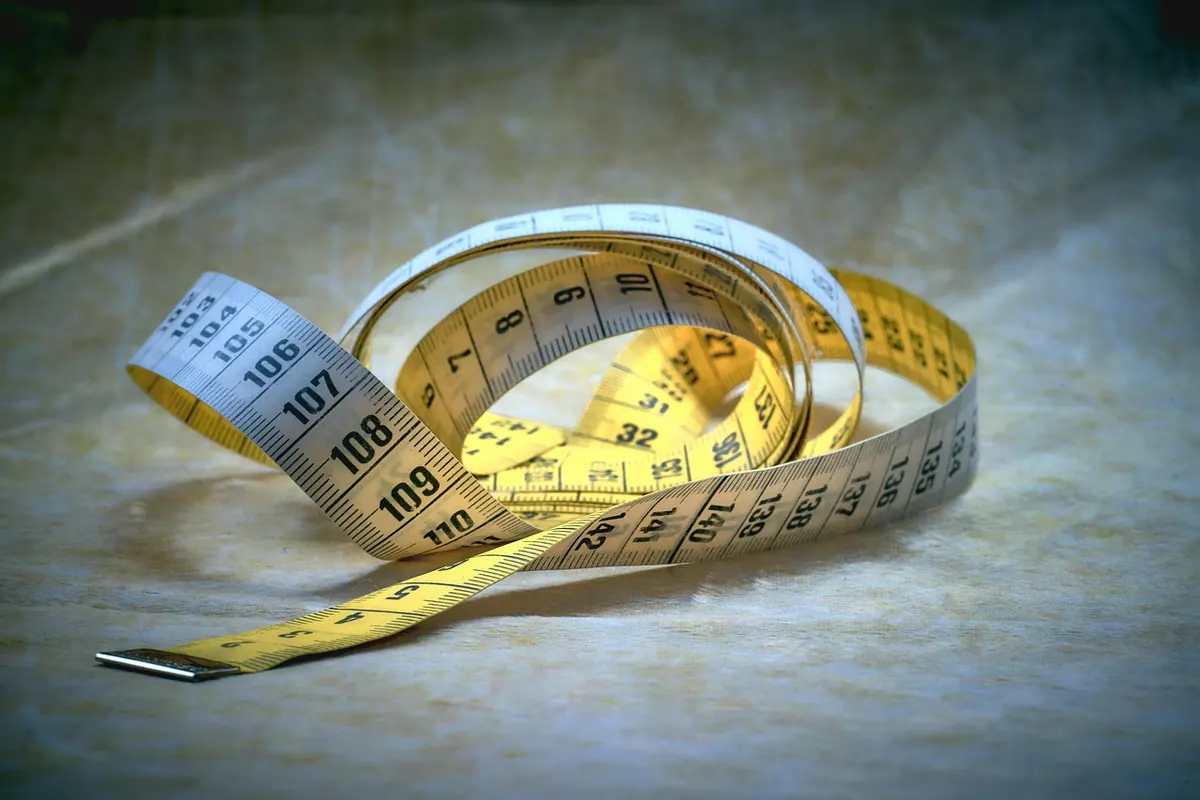
The good news is that you do not need a specialist assessment or any clever gadgets. You need a tape measure, a flat floor and two minutes. The number you are looking for is your standing elbow height.
When you type, your forearms should be roughly parallel to the floor, or sloping gently down towards the keyboard. Shoulders relaxed, wrists straight, elbows close to your sides rather than winged out. That posture happens naturally when the desk surface sits level with — or a centimetre or two below — the underside of your bent elbow.
Too high and your shoulders creep upwards while your wrists bend back to reach the keys. Too low and you round your upper back and crane your neck towards the screen. Elbow height tracks your overall height fairly closely, which is why a fixed 105 cm desk suits someone of about 178 cm and quietly punishes someone of 158 cm.
Measuring alone is fiddly. A useful trick is to stand sideways to a mirror, mark the wall at elbow height with a pencil while you hold the pose, then measure the mark afterwards.
If you have not measured yet, these ranges are a sensible starting point for typing work. They assume a typical balance of leg length to torso length, so treat them as a first guess rather than a rule.
Long-legged, short-torso bodies need a higher surface than the range suggests; the reverse is also true. Always confirm with the elbow measurement before you commit. If you mainly write by hand or read documents flat on the desk, dropping a centimetre or two below elbow height is comfortable for most people.
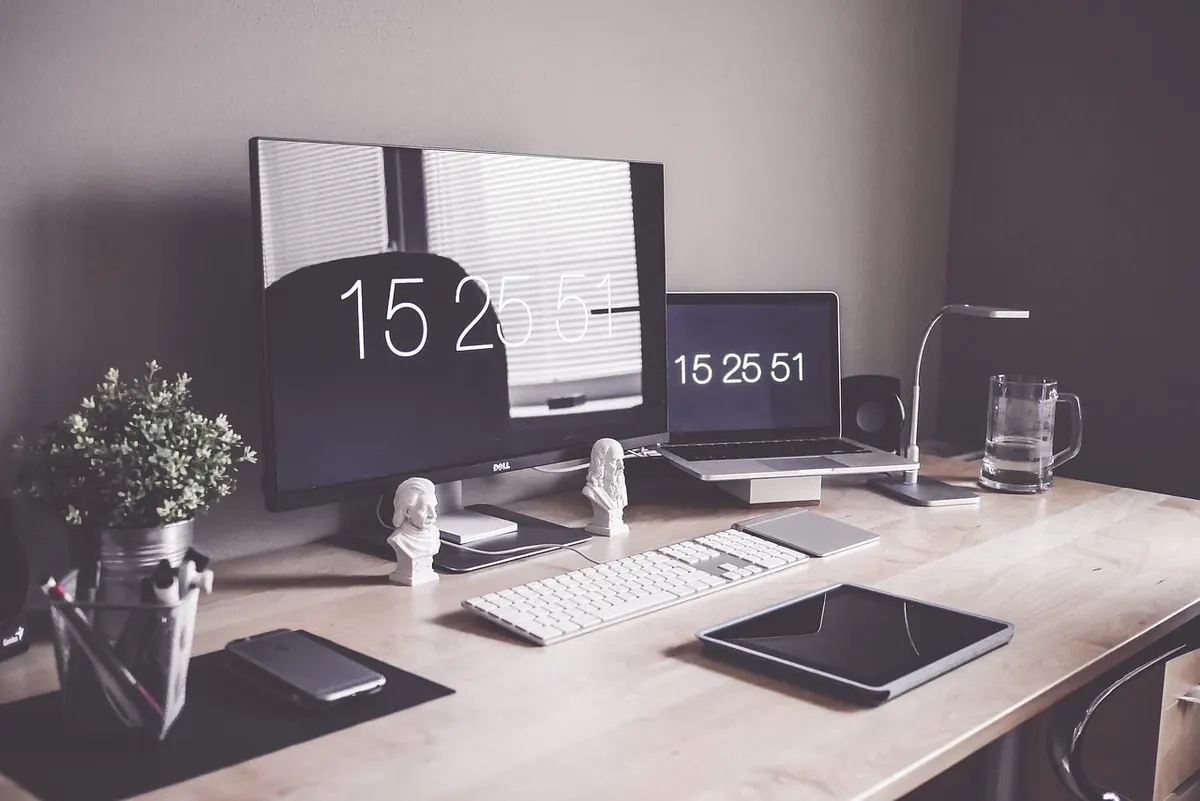
The typing surface should be at or just below elbow height. Wrists straight, not bent upwards. If you use a wrist rest, rest on it between bursts of typing rather than leaning on it while your fingers move, which just compresses the same tissue for longer.
The top of the screen should sit at or slightly below eye level, roughly an arm's length away — about 50–70 cm for most people. Raise the monitor with a stand or arm rather than lifting the whole desk, which would drag your keyboard up with it.
An anti-fatigue mat adds one or two centimetres under your feet. Set your desk height while standing on the mat you actually use. Thick carpet also changes the effective height, and a desk that rocks on soft flooring is worth fixing with a board or adjustable feet.
If you work barefoot in summer and in trainers in winter, you will want two height settings saved. Most electric desks allow this through memory presets, so use them.
Plenty of fixed standing desks start around 105 cm, which is too tall for a shorter user. If the surface is too high, a clamp-on keyboard tray brings the typing surface down without moving the screen. Standing on a firm platform or a thick mat is a workable stopgap. If the desk is too low, sturdy risers or blocks under the legs will lift it, though you should check the desk still feels stable before leaning on it.
When buying, look at the full adjustment range rather than the headline figure. A desk that travels from roughly 60 cm to 125 cm will suit almost any adult, and one-centimetre increments matter more than you might expect. Memory presets are the difference between a desk you adjust daily and one that stays where you last left it.
Measure your standing elbow height, set the desk to that figure, then stand for a minute and check three things: shoulders low and relaxed, wrists straight, screen top near eye level. Sit down, set your seated height so your forearms rest at the same angle, and save both positions.
Live with it for a week before making big changes. Small aches usually point to a specific fix — sore shoulders mean the desk is a touch high, a stiff neck means the monitor is too low, tired legs mean you are standing for too long at a stretch. Alternating between sitting and standing every half hour or so tends to serve people better than either position held all day.
Finally, if you have an existing back, neck or circulation condition, or you are pregnant, it is worth speaking to a physiotherapist or your GP before making standing work a large part of your day. A desk height guide is a good starting point, not a substitute for individual advice.
Photo: ThomasWolter / Pixabay